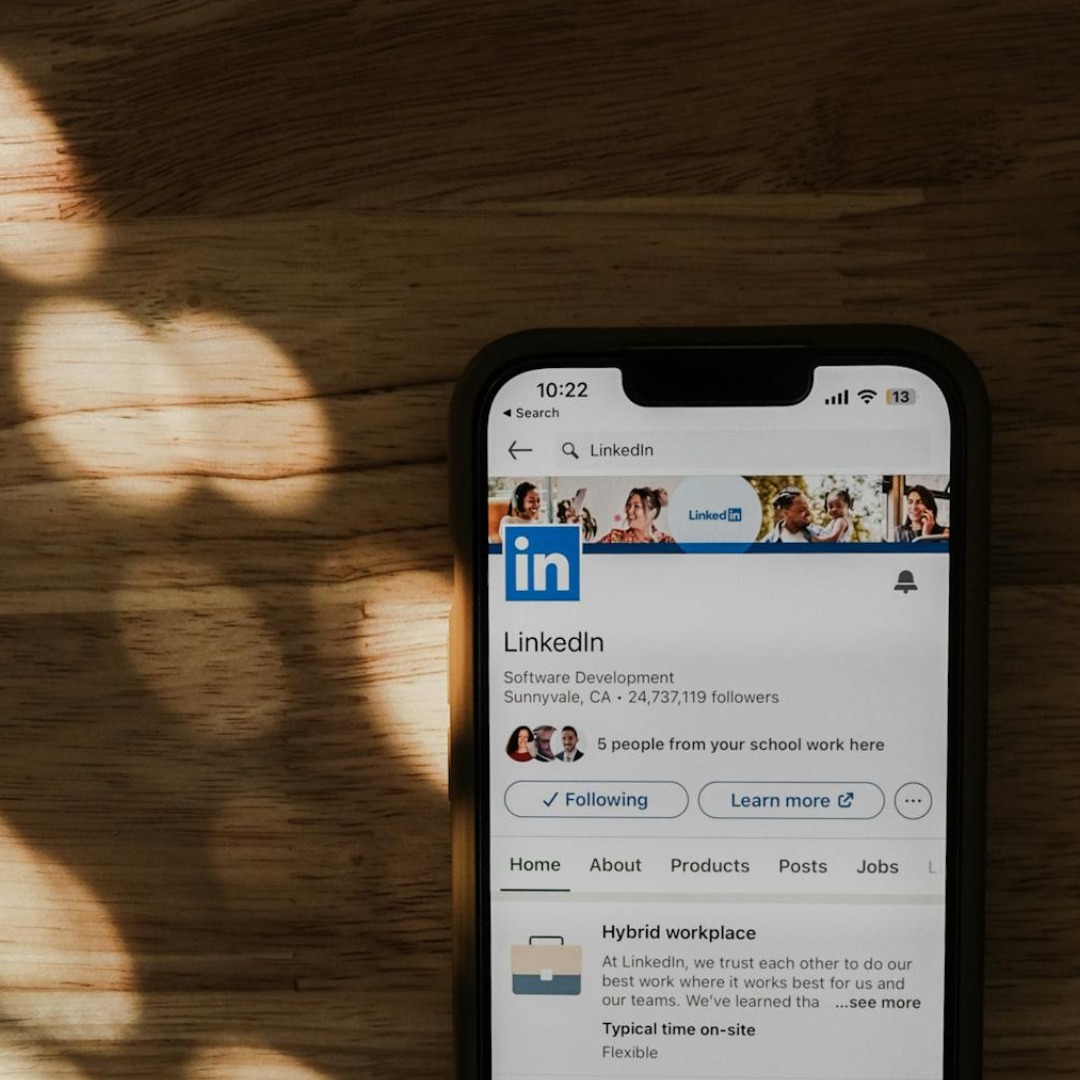
How a Teenager Can Make and Publish a LinkedIn Profile
Why Should a Teenager Use LinkedIn?
LinkedIn isn’t just for professionals with years of experience. If you're a high school student looking to build a personal brand, explore career opportunities, network with professionals, or showcase your skills, LinkedIn is the perfect platform.
With a strong LinkedIn profile, you can:
✅ Connect with mentors, teachers, and professionals
✅ Find internships, part-time jobs, or volunteer opportunities
✅ Showcase your skills, achievements, and projects
✅ Follow universities, companies, and industry experts
✅ Gain credibility for future college applications or jobs
Step 1: Sign Up for LinkedIn
1️⃣ Go to LinkedIn: Visit LinkedIn.com or download the LinkedIn app.
2️⃣ Click “Join Now” or "Sign Up."
3️⃣ Enter your details: Full Name (Use your real name – no nicknames!)
Email (Use a professional one, like [email protected])
Password (Create a strong one)
4️⃣ Verify your email: LinkedIn will send a confirmation email – click the link to activate your account.
🔹 Example: Correct Name Format: Emma Johnson
❌ Avoid: Emma_123 or coolgirl99
Step 2: Add a Professional Profile Picture
Your profile picture is the first impression people get. A clear, professional photo will increase your chances of connecting with others.
📌 Tips for a Good Profile Picture:
✅ Use a high-quality headshot (avoid selfies or blurry images)
✅ Dress smart-casual or semi-formal
✅ Keep a neutral or simple background
✅ Smile & look approachable
✅ Make sure your face is visible
✅ Good Photo: Well-lit, simple background, professional outfit
❌ Bad Photo: Selfie with a Snapchat filter, group picture, messy background
🔗 Bonus Tip: If you don’t have a professional picture, use Canva or remove.bg to edit and enhance your image.
Step 3: Create a Strong Headline
Your headline is the short one-line description below your name. It tells people who you are and what you do.
📌 Formula for a Great Headline:
[Who you are] | [Your interests/skills] | [What you aspire to do]
🔹 10 Examples of LinkedIn Headlines for Teenagers:
🎓 High School Student | Aspiring Data Scientist | Python Enthusiast
🚀 Student Leader | Passionate about Entrepreneurship & Innovation
📚 STEM Enthusiast | Future Engineer | Math Olympiad Participant
🎨 Graphic Designer | Freelance Illustrator | Passionate about Digital Art
🏆 National Debate Champion | Public Speaking Enthusiast | Student Leader
💻 Aspiring Software Engineer | Coder | Hackathon Participant
🏀 High School Athlete | Sports Management Enthusiast | Leadership Advocate
📖 Creative Writer | Book Reviewer | Passionate about Journalism
🌱 Environmental Activist | Sustainable Development Enthusiast | Climate Advocate
🎭 Theatre Performer | Future Filmmaker | Storytelling Enthusiast
Step 4: Write an Engaging "About" Section
The About section is your personal introduction. It should highlight your skills, interests, and future aspirations.
📌 What to Include in Your "About" Section:
✅ Your interests and passions
✅ Your experiences (volunteering, competitions, projects)
✅ What you are looking for (internships, networking, learning opportunities)
🔹 Example 1: STEM Student
I am a high school student passionate about technology, innovation, and leadership. I have participated in coding bootcamps and hackathons and enjoy problem-solving through Python and Java programming. I am currently exploring AI and Data Science and looking for opportunities to learn more about the tech industry.
🔹 Example 2: Aspiring Writer
As an aspiring writer and journalist, I love expressing ideas through creative writing and storytelling. I have written articles for my school magazine and contributed to online blogs. I am interested in journalism, content creation, and social media marketing. Looking forward to connecting with like-minded individuals!
Step 5: Add Your Education
📌 How to Fill the Education Section:
✅ Your current grade level
✅ Activities & Societies (Clubs, sports teams, honor societies)
📍 ABC International High School
📆 Expected Graduation: 2026
🎓 Activities: Debate Club, Robotics Team, Science Olympiad
Step 6: Add Experience (Even Without a Job!)
Don’t have a formal job? That’s okay! Add:
✅ School leadership roles
🔹 Example 1: Volunteer Work
📍 Volunteer Tutor | Local Community Center
📆 June 2023 - Present
➡ Helped 20+ students improve their math skills through tutoring sessions
🔹 Example 2: Freelance Work
📍 Freelance Graphic Designer
📆 March 2023 - Present
➡ Designed posters, logos, and social media graphics for small businesses
Step 7: Add Skills & Certifications
📌 List at least 5 skills related to your interests.
🔹 Example of Skills for Teenagers:
🔗 Bonus: If you’ve completed courses on Coursera, Udemy, or LinkedIn Learning, add them as certifications.
Step 8: Build Your Network
📌 How to Start Networking:
✅ Connect with classmates, teachers, and mentors
✅ Follow universities & companies (Google, Harvard, Tesla, etc.)
✅ Join LinkedIn Groups (e.g., "Young Entrepreneurs Network")
Step 9: Post & Engage
📌 What to Post on LinkedIn as a Teenager:
✅ Share achievements (Winning a competition, completing a project)
✅ Write about what you are learning
✅ Comment on interesting posts
🔹 Example LinkedIn Post:
Just completed my first coding project in Python! 🚀 I built a simple chatbot that helps users learn new vocabulary. Excited to dive deeper into AI and machine learning. Any recommendations for the next steps? #Python #Learning #STEM
Step 10: Keep Your Profile Updated
📌 Maintain a strong profile by:
✅ Adding new experiences & achievements
✅ Engaging with posts and commenting on discussions
✅ Connecting with new people regularly
Final Checklist Before Publishing Your LinkedIn Profile
✔ Professional Profile Photo
✔ Engaging "About" Section
✔ Education & Experience Added
✔ At least 5 Skills & Certifications
✔ First Post Published
🎯 Your LinkedIn Profile is Now Ready! 🚀